
Gaming
7 Black Gaming Setup Ideas for a Sleek Modern Look
On this page
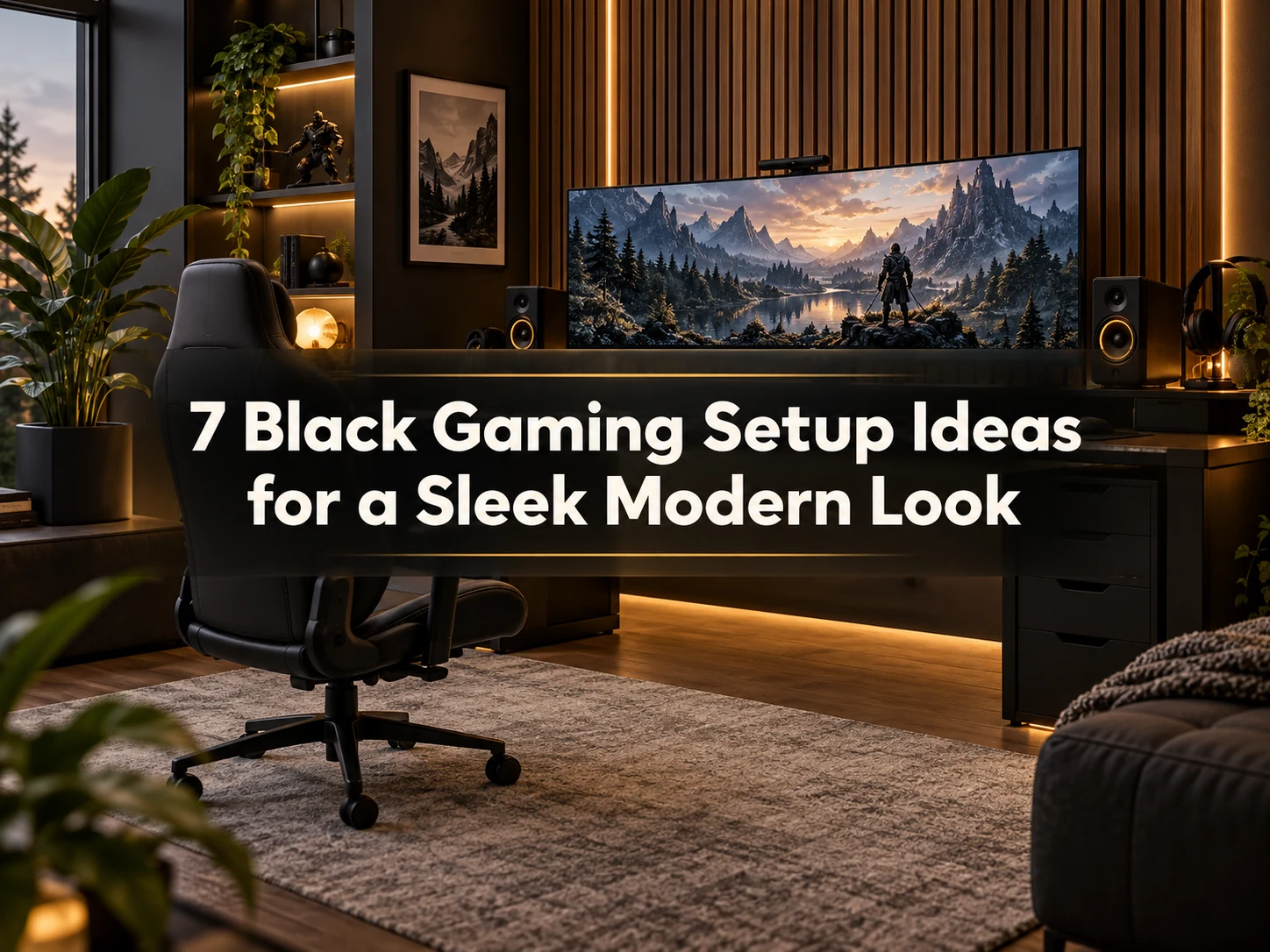
This styling guide is for players who appreciate moody, monochromatic minimalism and want a dark battlestation that feels mature rather than childish. You will discover how to mix distinct dark textures, manage tricky black dust, and use subtle lighting to create depth; implementing cohesive black gaming setup ideas requires balancing matte charcoal finishes, dark walnut, and low-glare surfaces so the setup never looks like a flat black blob.
Quick picks: The single-monitor PC battlestation is best for a clean everyday setup, the dual-monitor performance station suits gaming and multitasking, and the charcoal acoustic slat wall adds the most visual depth.
1. Matte Black Carbon Desk Top
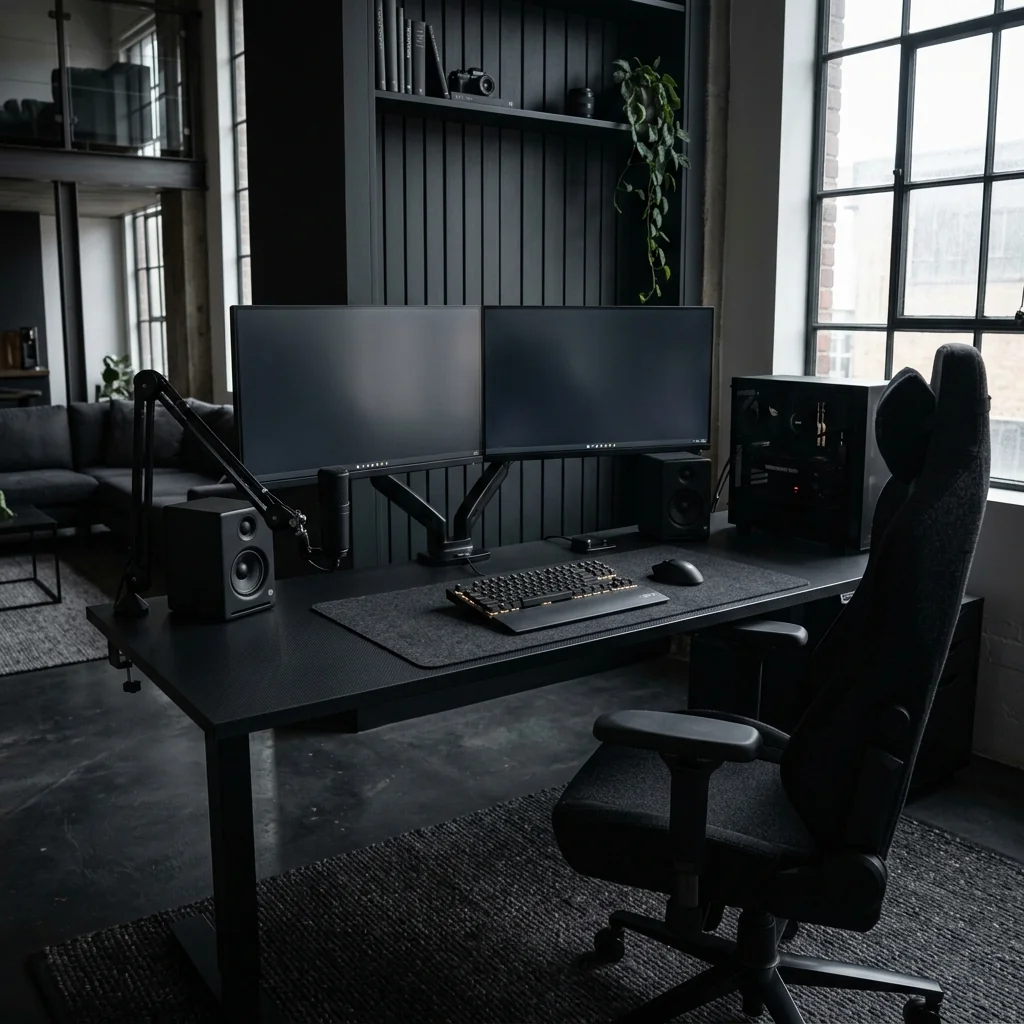
Glossy black surfaces are notorious for showing oily fingerprints, dust specks, and annoying window reflections. Instead, choose a desktop finished in matte laminate or linoleum with anti-fingerprint nanotech coatings.
The velvety matte texture absorbs ambient light and feels smooth and warm beneath your forearms. It establishes a deep charcoal foundation that makes white keycap legends and subtle screen backlights pop with crisp, architectural contrast.
- Best for: A glare-free, fingerprint-resistant foundation
- Room size: Medium
2. Charcoal Acoustic Slat Wall Backdrop
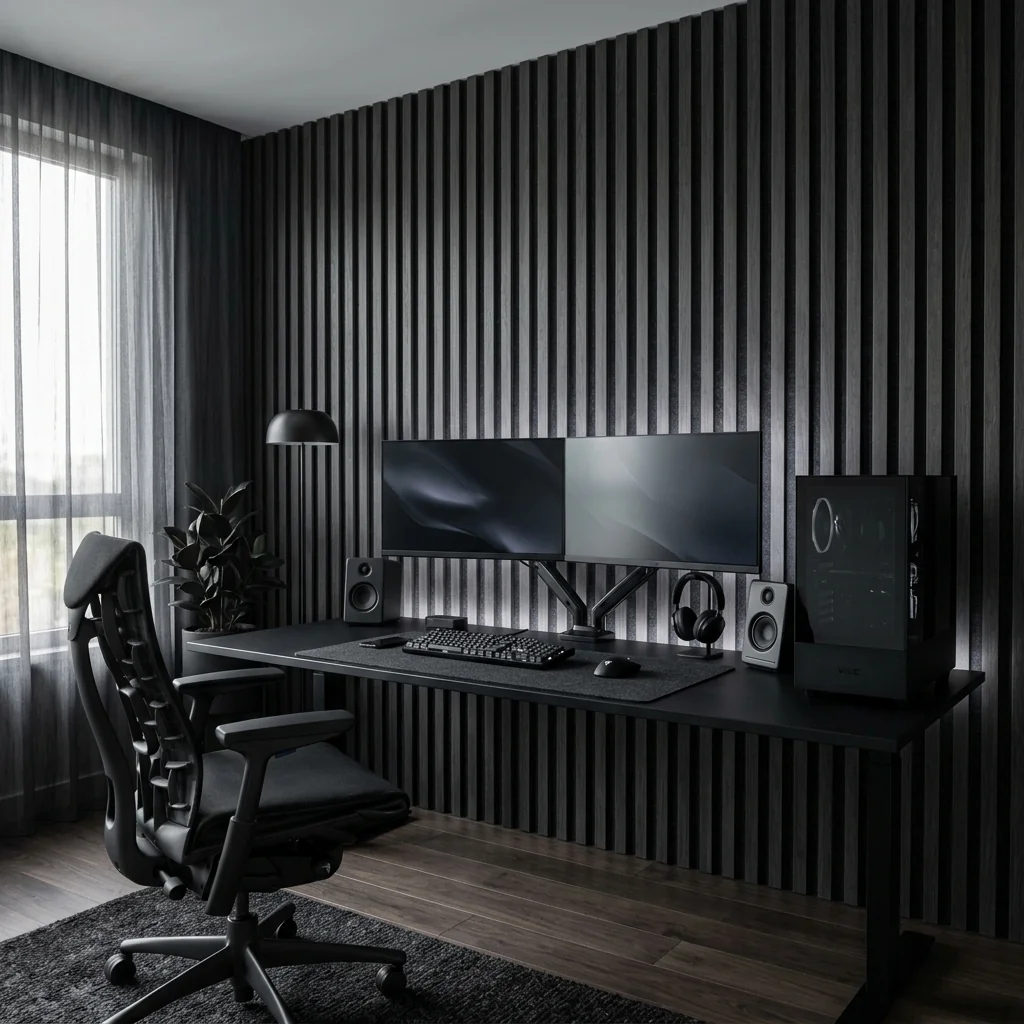
Placing all-black hardware against a stark white wall creates harsh, jarring contrast that exhausts your eyes. Install blackened oak slat panels backed with dense black acoustic felt along the wall behind your desk.
The vertical dark ribs create subtle light and shadow play, giving your setup depth and architectural interest. It also absorbs high-frequency keystroke clicks, turning your battlestation alcove into a quiet, acoustic recording studio.
- Best for: Adding texture and shadow depth to monochromatic spaces
- Room size: Medium
3. Matte Black Single-Monitor PC Battlestation
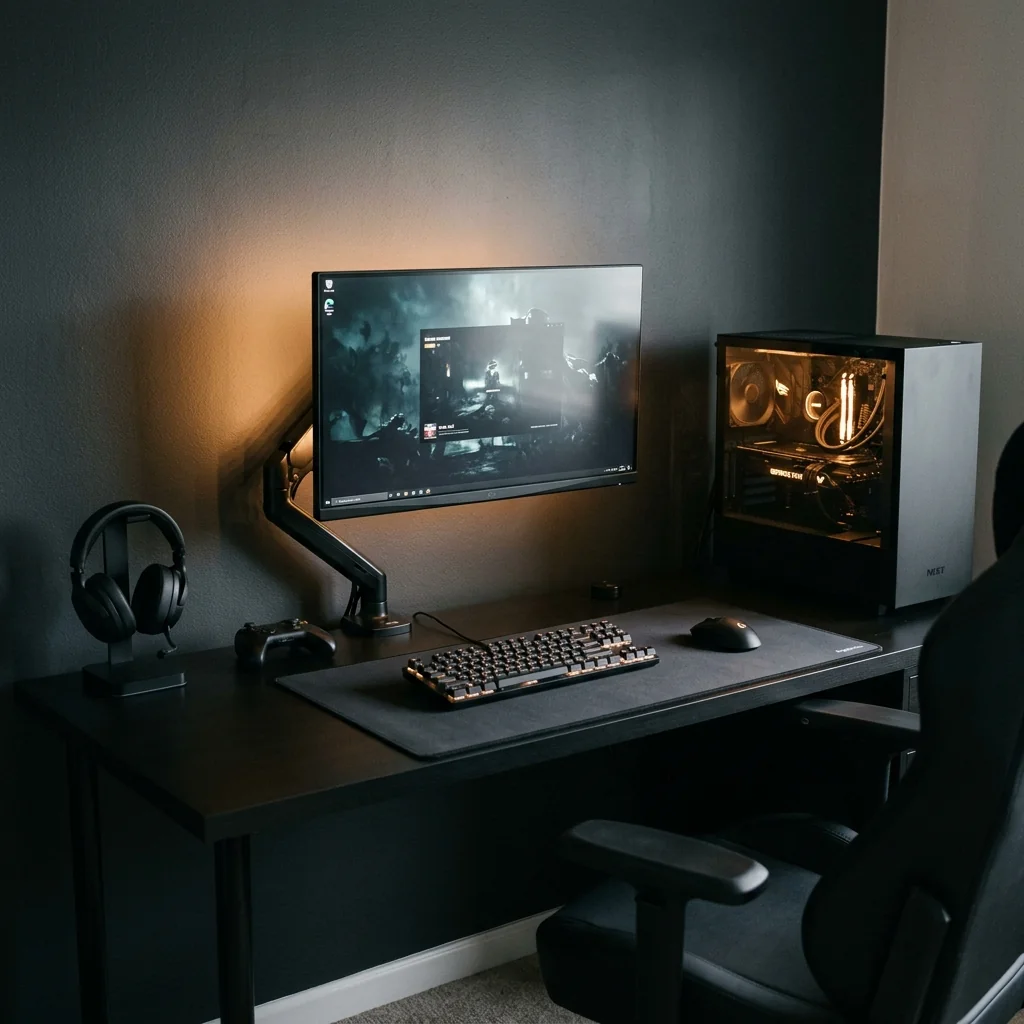
Pair a wide matte black desk with one gaming monitor on a black arm. Place a glass-sided PC tower at one end, leaving its vents clear.
A black desk mat, mechanical keyboard, and headset stand keep everyday gear together. Soft amber backlighting adds depth against the charcoal wall; tuck cables into an under-desk tray to finish the clean, focused setup.
- Best for: A clean everyday PC gaming station
- Room size: Small to medium
4. Amber Backlit Black Desk Setup
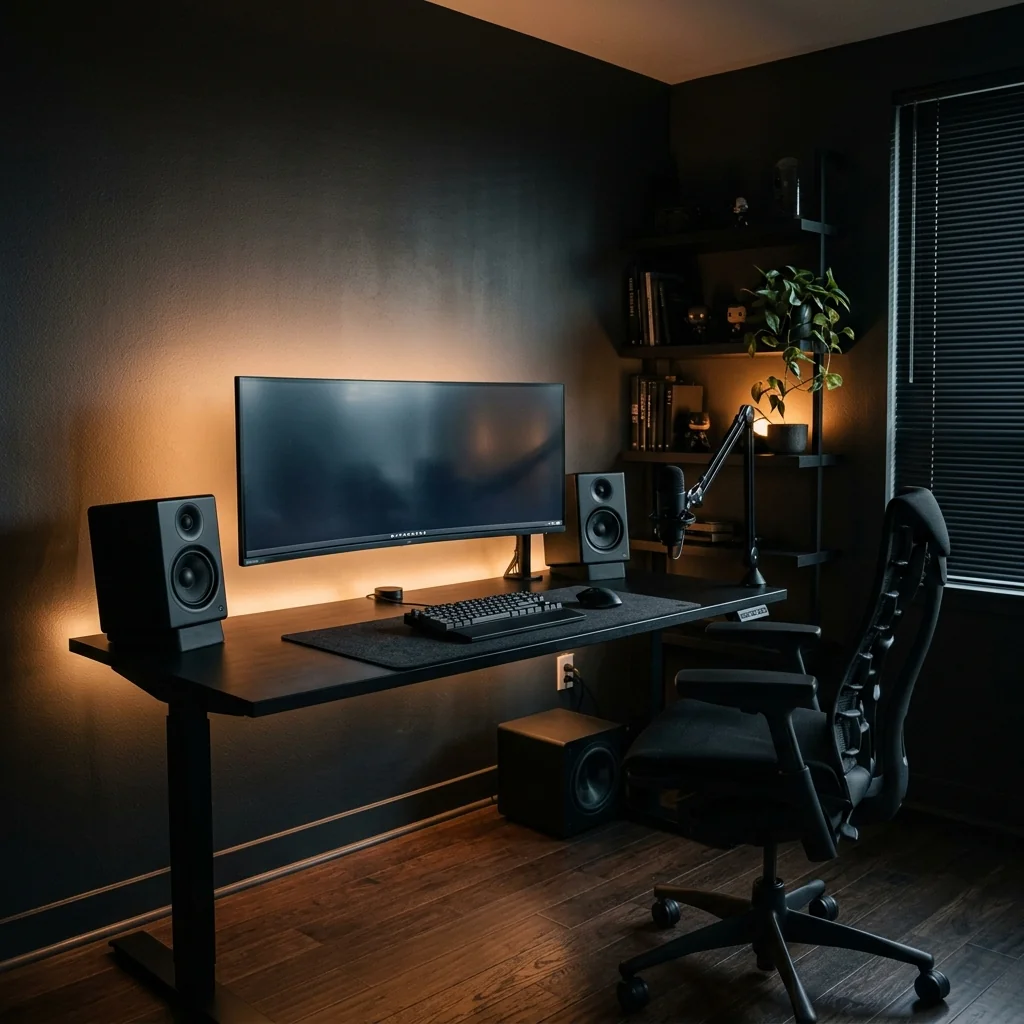
An all-black room without accent lighting quickly becomes depressing and difficult to navigate. Affix a high-density 2400K warm amber LED strip behind your monitor and along the rear under-edge of your desk.
The golden glow cuts through the shadows, creating a gentle separation between your black monitor bezel and the dark wall behind it. This warm edge lighting prevents eye strain while giving your space the sophisticated ambiance of a boutique cocktail lounge.
- Best for: Evening eye comfort and dramatic visual warmth
- Room size: Medium
5. Dark Ash Floating Display Shelves
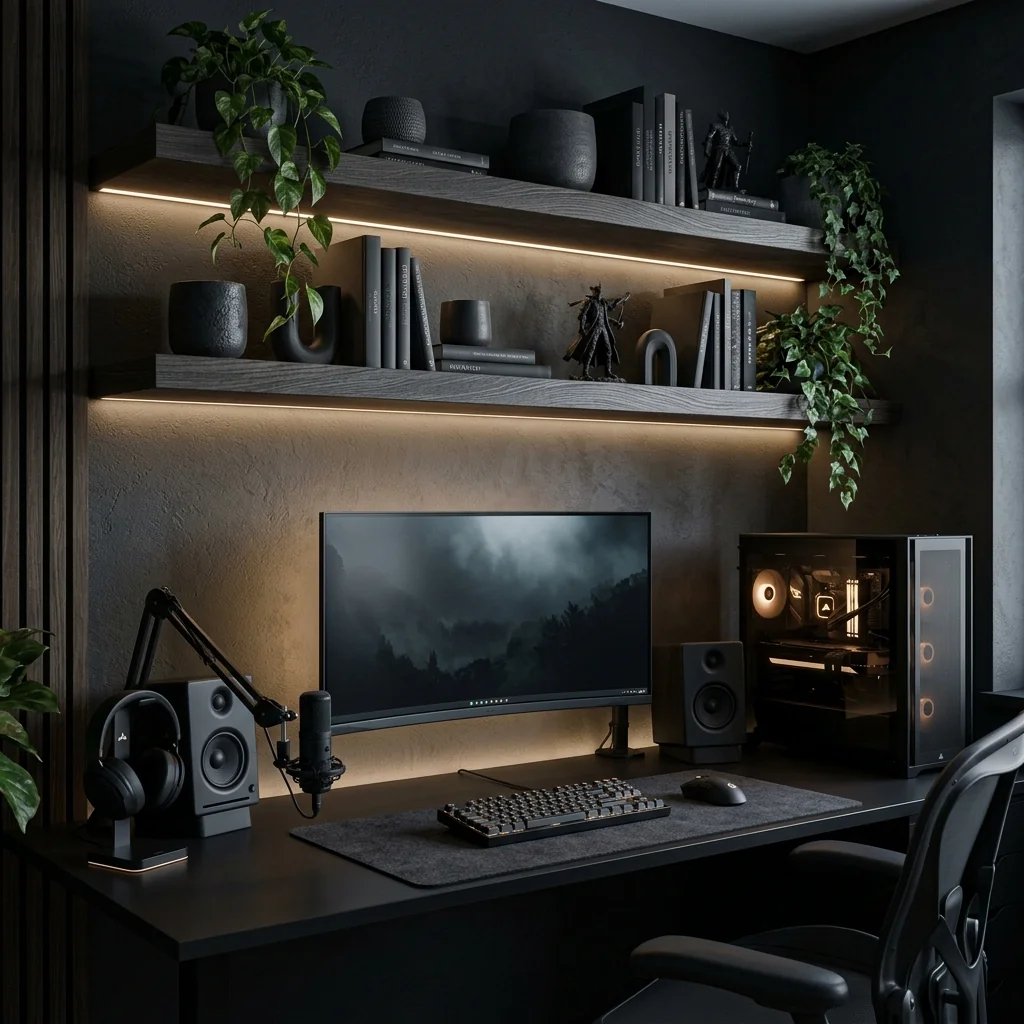
Solid black walls can look flat and lifeless without horizontal display planes. Mount two 36-inch floating shelves made of black-stained ash or charred cedar above your display.
The open wood grain shows through the dark stain, adding organic character. Use the shelves to display a couple of charcoal ceramic pots with trailing green plants, dark art books, and a cast-iron incense holder; the deep greenery provides a welcome burst of organic vitality against the dark backdrop.
- Best for: Breaking up solid black walls with organic life
- Room size: Medium
6. Dual-Monitor Black Performance Gaming Setup
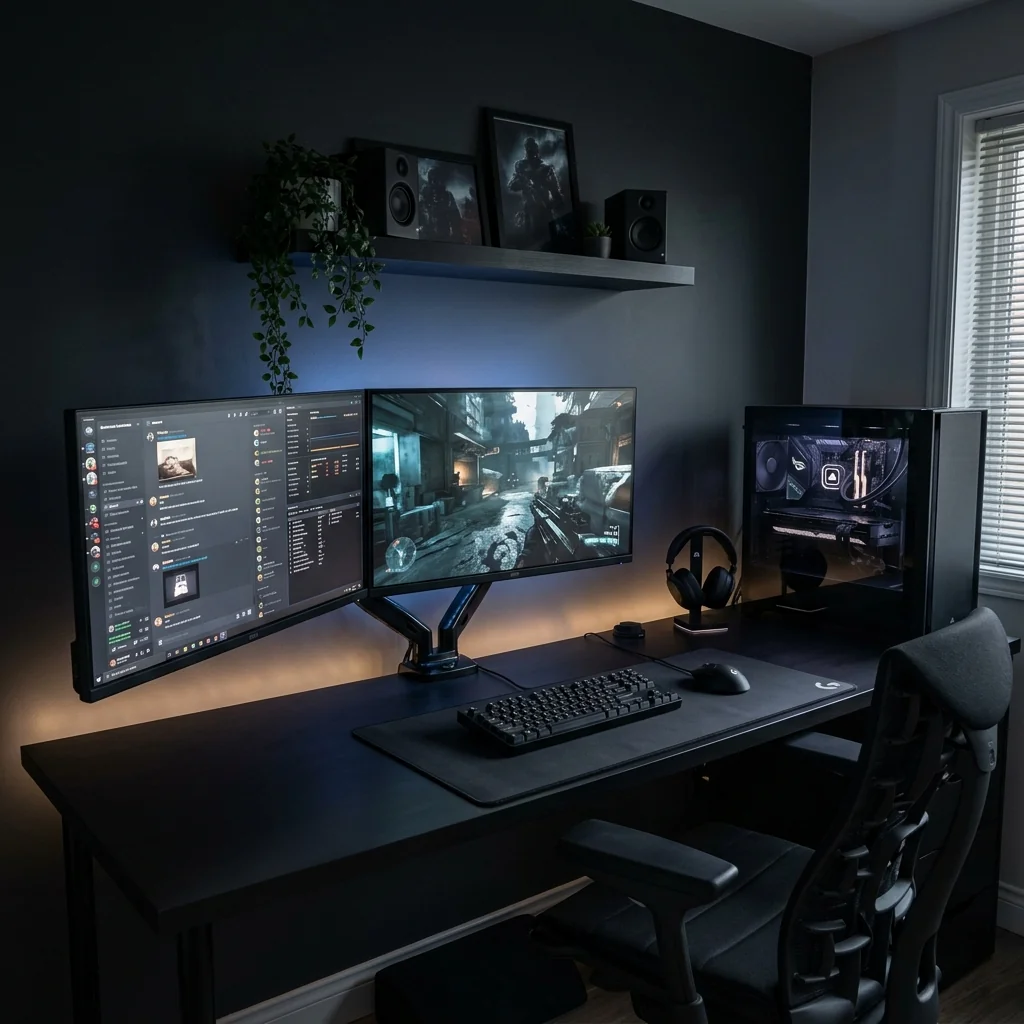
Set two matching monitors on a deep matte black desk with a dual monitor arm. Keep your main screen centered and angle the second inward for chat or streaming tools.
Place the PC tower beside the screens with clear space around its vents. A floating shelf with dark artwork and a trailing plant adds interest above the desk; finish with soft backlighting, a black ergonomic chair, and concealed cables.
- Best for: Gaming, streaming, and multitasking
- Room size: Medium to large
7. Stealth Under-Desk Wire Enclosure Tray
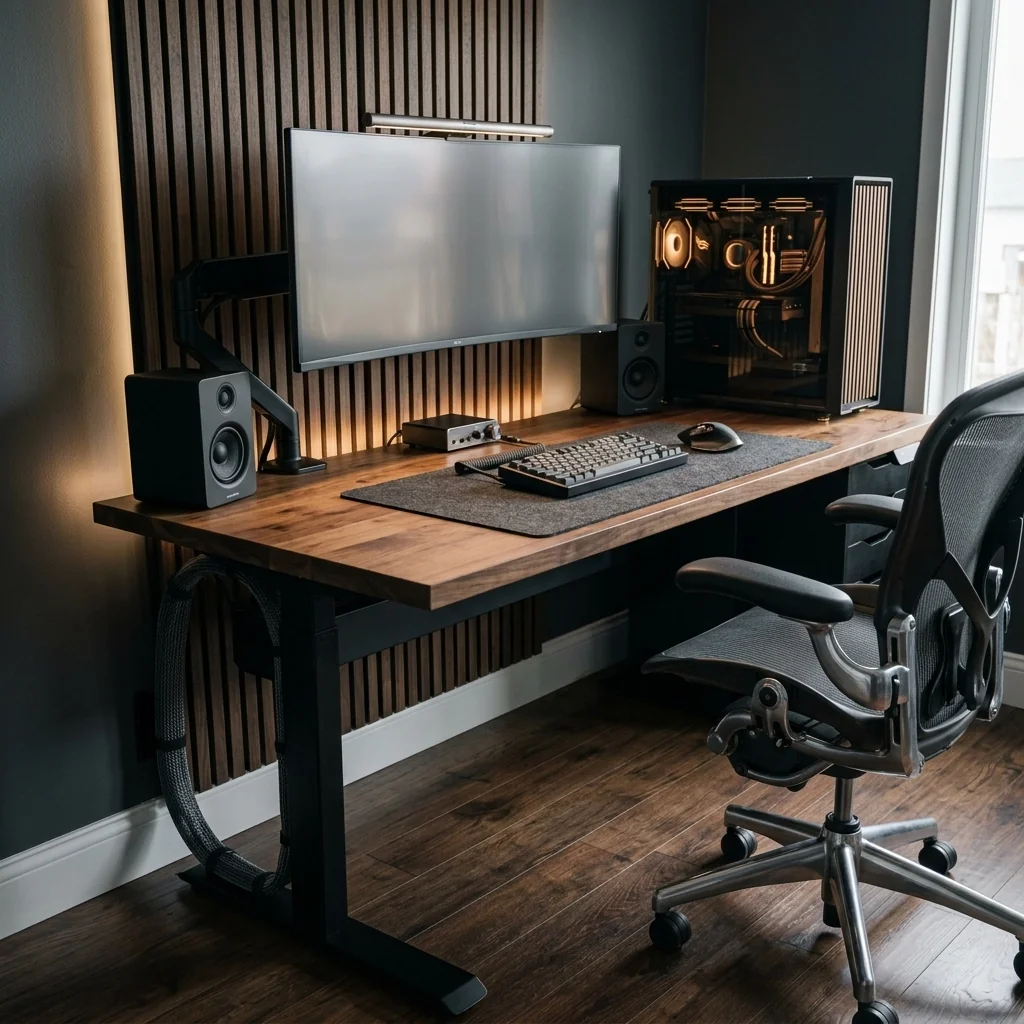
In a dark setup, stray white or grey cords stick out like sore thumbs. Install a closed matte black sheet metal cable raceway under the back of your desk.
Secure all power adapters and heavy black cables inside the box with reusable hook-and-loop straps. Cover any unavoidable wall drop cables in a split black braided sleeve that hugs the rear desk leg; when every wire is hidden inside black channels, your battlestation maintains its clean, architectural presence from every angle.
- Best for: Complete cable concealment on dark desk setups
- Room size: Small
Quick Tips Before You Start
- Keep a small handheld microfiber brush or electric air blower handy to dust dark surfaces quickly.
- Avoid cheap glossy black plastics that scratch and attract fingerprints on contact.
- Introduce one or two dark green house plants to bring organic warmth to monochromatic spaces.
- Choose matte black hardware and screws so shiny fasteners never break your dark aesthetic.
A monochromatic workspace offers a tranquil, distraction-free environment for serious gaming and focused work. To discover how organic woods complement clean peripherals, explore our clean modern gaming setup ideas, or see our complete guide to video game room ideas for larger multi-zone inspiration; these dark, tailored black gaming setup ideas will give you a sharp, timeless battlestation you will love using every night.
Frequently asked questions
How do I keep an all-black gaming desk clean and dust-free?
Keep a small soft antistatic microfiber cloth inside a desk drawer and wipe your desk surface once every morning.
Running a compact HEPA room air purifier near your desk captures airborne dust particles before they can settle onto your dark mousepad and keyboard.
Does a black gaming setup make a room look smaller?
Painting an entire small room jet black can make it feel confined.
However, pairing an all-black desk and accent slat wall with warm amber backlighting and medium grey walls creates perceived depth rather than confinement, giving the room a cozy, intentional den atmosphere.
What color lighting looks best with all-black setups?
Warm amber and golden white tones between 2200K and 2700K look best against matte black surfaces.
Unlike harsh saturated red or purple lighting, warm golden tones highlight the natural textures of wood, metal, and felt without washing out the room.